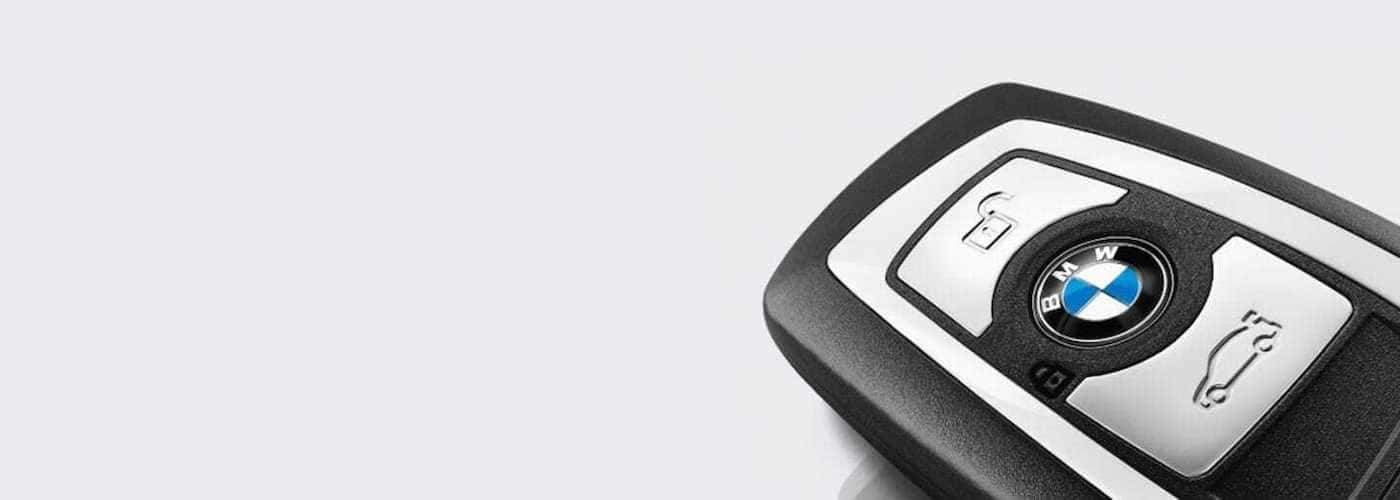
Is your BMW key not working? If you ever find yourself in a situation where you need a BMW key fob replacement, feel free to visit our service experts. We’ll be more than happy to help you replace the battery on your BMW key fob and even program an additional or replacement remote if needed.
However, if you’ve ordered a replacement BMW key fob from our parts department and you’d like to know how to sync it in your own Normal garage, we can easily assist. Learn all about your proper BMW key setup today with BMW of Bloomington! Here’s what we’ll cover regarding your remotes:
Perhaps you’ve misplaced your remote, or your primary BMW key is not working even after a fresh battery swap. Because genuine OEM remotes require advanced security programming tied directly to your specific vehicle, aftermarket substitutes will not function properly. Here is the official protocol to secure a working replacement:
Before ordering a full replacement, verify whether your existing remote simply requires a fresh battery. Changing the battery in a BMW key fob takes only a few moments.
Consult your owner’s manual or examine the rear casing to confirm the correct battery size. Standard smart remotes typically use a CR2032 battery, while select larger Comfort Access remotes utilize a CR2450 battery.
| BMW Key Type | Common Battery Size | Replacement Method |
|---|---|---|
| Standard Smart Remote (Trapezoid/Rectangular) | CR2032 | Remove physical blade, use blade tip to pop rear cover, swap battery. |
| Comfort Access Remote (Select Models) | CR2450 | Unlatch back panel using integrated manual blade, replace cell. |
| Classic Diamond Key (Pre-2006) | Rechargeable Cell | Charges automatically via the ignition slot during standard driving. |
To complete the swap, press the release tab to remove the internal metal key blade. Use the flat edge of the blade to gently pry open the rear plastic cover. Extract the depleted cell, insert the fresh battery with the positive side facing up, and snap the cover firmly back into place. You’ll be back on the Decatur roads in no time.
The processes to sync an additional remote or initialize a factory replacement differ depending on your model generation and technology package. Ensure you have ordered the correct encrypted replacement from our parts department before beginning. If not, make the short trip from Urbana to our parts department before you begin, otherwise, you may be left stranded without a working remote.
Below are the official instructions to successfully sync your remote to your vehicle:
If your late-model vehicle supports BMW Digital Key Plus, you can securely unlock, lock, and start your vehicle using Ultra Wideband technology on a compatible smartphone or smart watch—without removing the device from your pocket or bag.
If you encounter any synchronization challenges or find your main remote is unresponsive, the certified technicians at BMW of Bloomington are fully equipped to assist. We can verify signal encryption, revoke missing key access profiles, and supply factory-authorized replacements directly at our service center in Bloomington. Reach out to us online or schedule an appointment today. Looking to maximize your vehicle’s integrated technology? Discover how to seamlessly update your BMW software for optimized operation!
3 years prepaid for $249, starting at 60 months or 60,000 miles.
Visit mygarage.bmwusa.com to purchase online or see your BMW Service Advisor for eligibility requirements and to enroll.
3 years prepaid for $249, starting at 60 months or 60,000 miles.
Visit mygarage.bmwusa.com to purchase online or see your BMW Service Advisor for eligibility requirements and to enroll.

