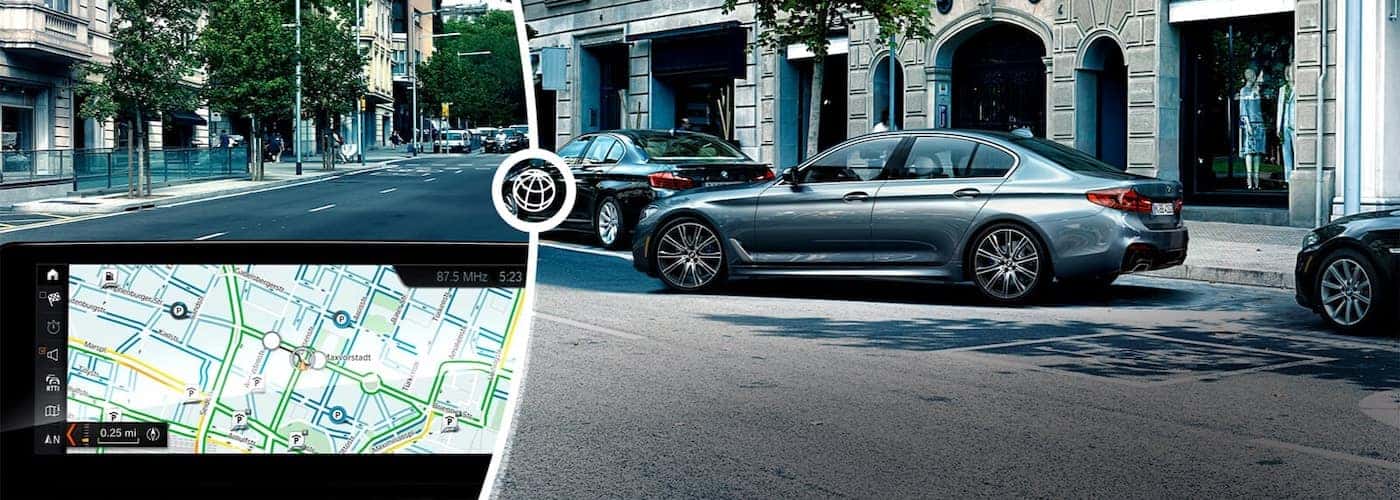
Your new BMW offers a wide range of innovative technology features for your drives through Normal and Decatur. However, if you want to stay ensure its tech is operating as intended, you’ll need to know how to update BMW software from time to time. Not sure where to start? Getting your BMW iDrive update is probably a lot easier than you’d expect, and BMW of Bloomington has put together a guide with everything you need to know.
If you want to know how to update BMW software, you’ll first need to know what kind of update is required in your vehicle! Use this BMW iDrive hack to avoid unnecessary labor and find out what’s needed today:
If you want all of your technology features to continue working as they should, all you need to do is take these simple steps from time to time:

Now that you know how to update BMW software, you’ll be ready to enjoy all your favorite music and media on the roads near Urbana. Hoping to learn a little more about other BMW features or reasons to buy a BMW while you’re here? Check out our guide to BMW Genius and BMW ConnectedDrive, or find out how to program your BMW key fob at home!
The 2026 BMW X5 provides our Normal neighbors with the practicalities of a crossover and the thrilling performance of a sports vehicle. If you’re considering an X5, you’ll have four different BMW X5 engine options to consider, each with its own BMW X5 hp rating. Because the X5 can be equipped with so many…
Are you shopping around Normal for a luxurious full-size SUV? Consider the 2026 BMW X7, which features a refined three-row cabin outfitted with top-shelf amenities, premium materials, and revolutionary driver-assistance technologies. Equipped with TwinPower engine options and aerodynamic exterior styling, the X7 delivers dynamic handling and supreme versatility. If you are considering an X7,…
Luxury-minded drivers searching for a sophisticated, elegant, and athletic vehicle that elevates the Normal driving experience will fall head over heels for the 2026 BMW 4 Series lineup. Available in three distinct bodystyles—the streamlined BMW 4 Series Convertible, the dynamic two-door BMW 4 Series Coupe, and the versatile four-door BMW 4 Series Gran Coupe—this…

